
Featured / Between Sessions
A Slacker's Guide to Home Music Production
A practical, unpretentious guide to getting started with home music production, from instruments and interfaces to DAWs, mixing, mastering, and the patience it takes to improve.
July 05, 2026 / 10 minute read
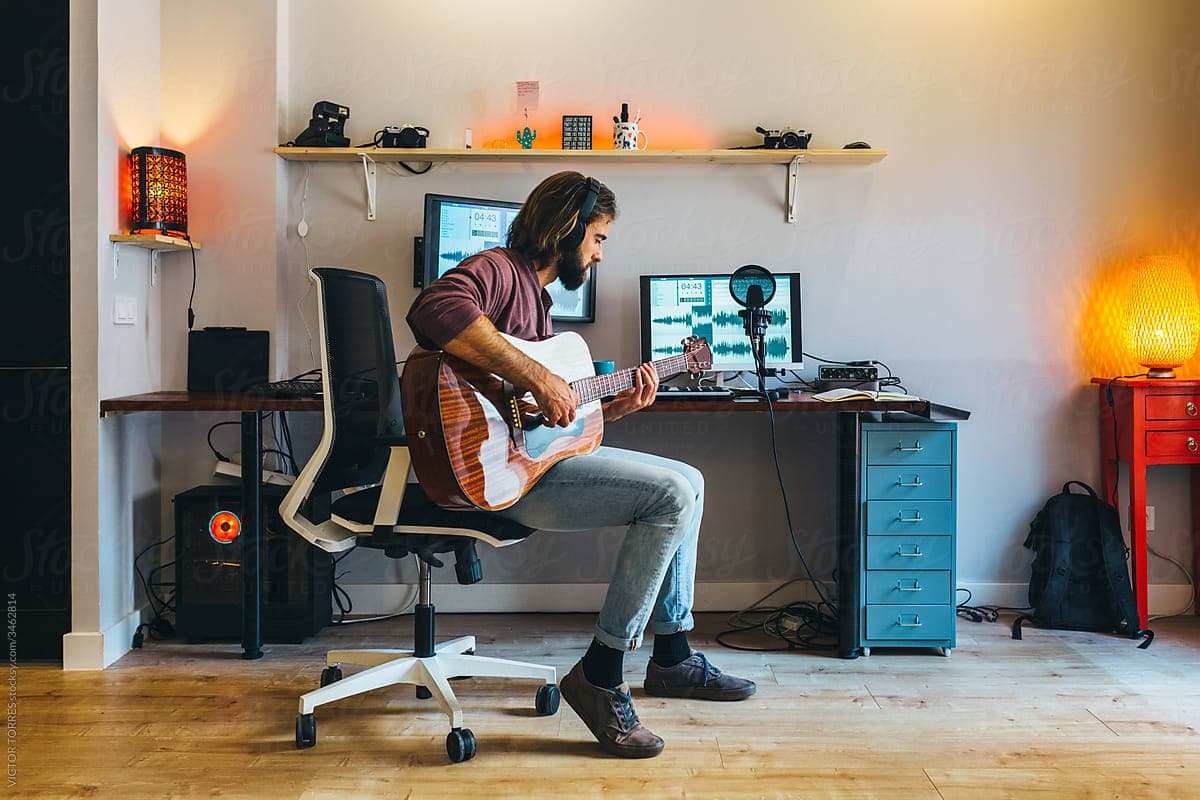
We live in an ever-changing music industry, and the biggest shift in recent years is due to the accessibility of making music. That opens its own can of worms (read more about it here!), but when you dissect that change as a whole, it points directly to the modern technological age. So many households have access to a laptop or computer, internet, and, through them, the information needed to become skilled at something. I wouldn't say formally becoming a producer is obsolete now, especially as the market of artists continues to grow, but undoubtedly, we have never had so many people capable of getting the job done on their own.
That doesn't just come down to knowing the equipment better. Yes, as information becomes increasingly available online, people are teaching themselves the skills they need to mix and master their tracks, but a big thing pushing them in the right direction is convenience as well. My own progression went from BandLab to GarageBand to Logic. GarageBand came pre-installed on my Mac, and all three offered a vast suite of worthy stock effects, enough that I could get by making satisfactory tracks without buying plugins. Many of them couldn't be easier to understand: click "On," then turn a dial to the desired amount. Sure, a basic understanding of low and high frequencies or the components of a compressor is necessary for competency, but the progress you can make in such a short amount of time is incredible with how accessible everything has become.
That's the long-winded way of saying that people are more than capable of producing music on their own now, more than ever. If you don't really know where to start, I'd like to think this is the place for you. I'm no expert, but I've been recording my work into a DAW for the last six years or so, and I've learned a ton. While six years may not seem like much, looking back on the progress I've made only further proves how easy it is to learn. If I took myself from 2020 and sat him in front of a track I could make in an afternoon now, he probably wouldn't guess it was his own work.
To break the process down, let's gauge the baselines you'll need. First, an understanding of your instrument(s) of choice. Whether that's a guitar, your own voice, keys, some kind of percussion, or all four, the music itself needs to come from somewhere. Maybe you're working entirely from your phone or laptop using MIDI. That's great too. But you can't produce a track without a track to begin with.
Second, you need the vehicle to get your performance into your DAW. This is assuming you aren't recording into analog equipment, but if you're going down a route that specialized, I'm probably not the person to be giving you advice.
Third, you'll need to get your tracks recorded and arranged. Then, we mix, master, and distribute. If you're building an identity as an artist, there are things to consider like marketing, building your aesthetic, booking gigs, and getting picked up by a label. I'll save that stuff for another article.
First is proficiency at your baseline craft. I'm going to give you a word of advice here that's contrary to what some people may tell you: don't immediately shovel your work out there. A lot of times you'll hear "don't wait until you're perfect," and I agree. Being too hard on yourself can be the downfall of your potential. But you'll also get nowhere positive if you lack a critical amount of self-awareness. There's certainly a line to be drawn, and where you draw it is up to your own discernment, but don't forget to draw it.
Instrumentally, I think being capable of playing what you want to play is all you really need. That means not stitching together chopped-up takes of progressions because you aren't capable of playing them yourself. There's a novelty sometimes to a glitchy, cut-up sound, but overall, my guess is that your production skills won't be there to patch things up convincingly, and it's simply good discipline to know your instrument.
As strange as it sounds, a lot of people become so infatuated with the rewards that can come with stardom that they forget the core principle of it all: the music itself.
Now, we need a way to turn our performance into a digital recording. Typically, you'll need what's known as an audio interface. A popular and relatively affordable choice is the Focusrite Scarlett Solo. The idea is pretty simple: plug either a microphone or instrument cable into the interface, then connect it to your laptop or computer.
The connection you use depends on what you're recording. If it's vocals, you'll use some kind of microphone. Maybe it's drums, and you need anywhere from one microphone to a full multi-mic setup depending on the sound you're after. In general, instruments like guitar, bass, and keyboards can plug directly into an interface using a standard instrument cable. Acoustic instruments generally require microphones.
The type of microphone you settle on depends on your sound and preferences. I'd do a little research on whether a dynamic or condenser microphone makes more sense, and I'd also recommend learning about sound treatment and recording techniques. If you're singing, for example, things like microphone distance, angle, and room acoustics all affect the fullness of your recording and how much sibilance you capture.
Fortunately, the most minimalist option is also one of the most versatile. If you choose to use a MIDI keyboard, you can often connect it directly to your computer through USB without needing an interface. MIDI keyboards allow you to control the virtual instruments built into your DAW. That means you can imitate just about any instrument available in its library, so I'd highly recommend one if you're unsure how you want to express your musical creativity. A classic starting point is one of the AKAI MPK Mini models.
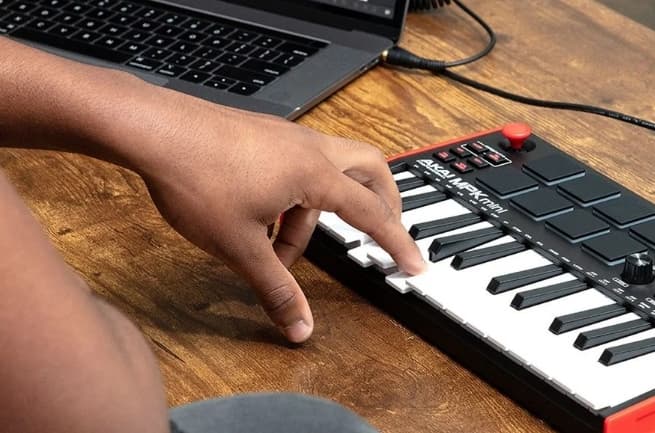
So what is a DAW? DAW stands for Digital Audio Workstation. This is where the next step happens. It's where you record your tracks and really flesh out your artistic vision. On a phone, many people use BandLab or the mobile version of GarageBand if they have an Apple device.
Don't let people talk you down if you choose to make your songs on a phone. I did for years before I owned a laptop, and I found it more than sufficient. It also taught me to make do with what I had and forced me to develop my production skills in unique ways. You can connect plenty of recording equipment, such as interfaces and MIDI keyboards, to your phone with adapters like the iRig.
For desktop, popular choices include FL Studio, Ableton Live, Logic Pro, GarageBand, and Reaper. All of them are more than capable in their own ways. People often attach stereotypes to each one - for example, FL Studio being ideal for beat-making and Logic for live instruments - but there really isn't a right answer. They all get the job done. The scope of what's possible lies far more in the hands of the producer than the software itself. While not all of these DAWs are free, many offer trial versions so you can figure out which one fits you best.
Mixing is the process of making your individual audio tracks blend together. When adjusting each one, you'll have to consider broad concepts like compression and EQ while also dialing in stylistic choices like modulation and atmosphere. These are all skills that take time to understand if you really want to get the most out of them.
Those individual tweaks are typically made using plugins. Plugins are software effects and processing tools. Most DAWs come with an excellent collection of stock plugins built in, while others can be downloaded from third-party developers. As you begin to discover your own style, you'll probably find yourself exploring additional plugins that fit the sounds you're chasing.
A word to the wise: beware of malware.
Beyond the individual tracks, you'll also have to listen to the mix as a whole and make sure everything works together. Are the volume levels balanced? Do certain instruments compete for attention? Does the mix sound muddy? Common causes include excessive reverb, poor EQ decisions, or imbalanced audio levels.
Mastering is the act of polishing your finished mix into its final form. Most DAWs include a master channel where you can process the entire song instead of individual tracks. This is where you bring everything together, dial in the overall loudness, and make sure your song translates well across different listening systems.
It's common to test your mix on a car stereo, earbuds, speakers, or any playback system you regularly use. It's also wise to compare it to professionally released songs within the same genre. I'd strongly recommend showing it to a few people before calling it finished. It's easy to get lost in your own work and hyperfixate on tiny details only you notice. A fresh pair of ears might reveal flaws you've overlooked - or reassure you that you've simply been too hard on yourself.
This stage also proves the importance of having a good pair of studio headphones or monitors. I personally stick with a pair of Sony MDR headphones.
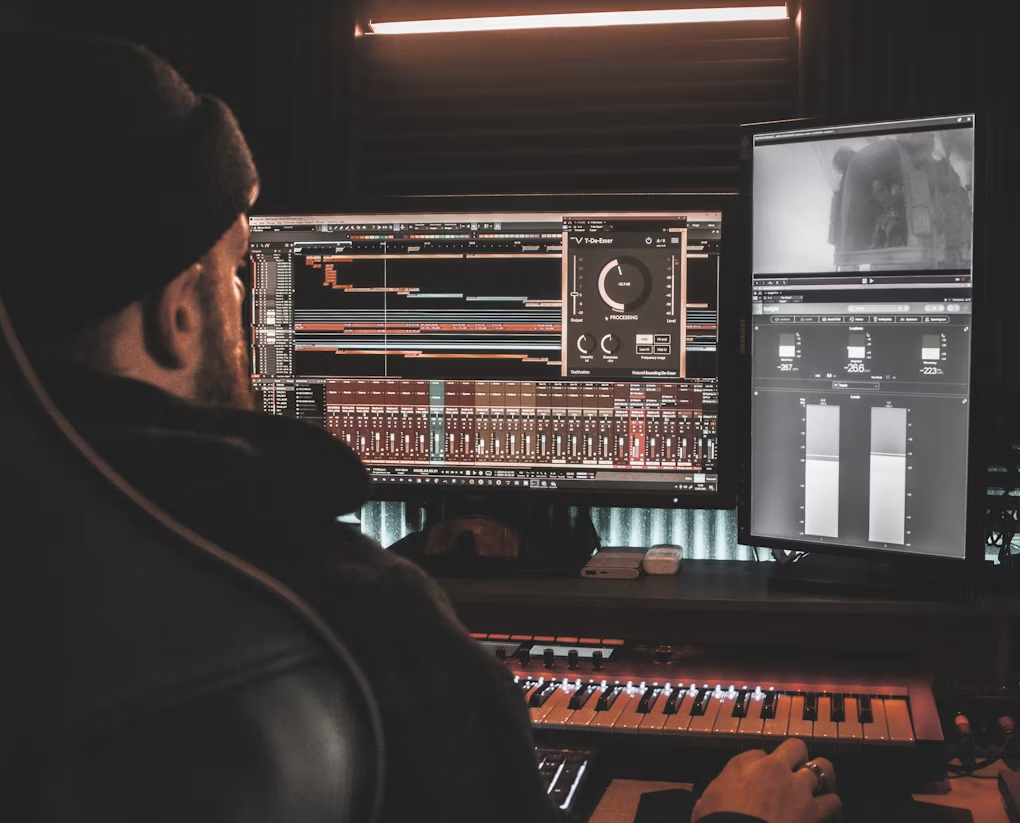
There are so many tips I've glossed over here and so many terms that deserve articles of their own, but as a broad outline, once you've reached this point, your track is ready to go. However you choose to do it - whether manually or through a distribution service - this is the stage where your music gets uploaded and you finally get to share it with the world.
The process as a whole can often be frustrating. There are countless things to learn, and it often feels like you'll never know enough. So many great producers are humble enough to admit that half the time they aren't even sure what they're doing. Whether that's completely true or not, I think it's important to realize that becoming a talented producer comes less from knowing exactly what you're supposed to do and more from knowing what you want to hear. The process becomes uniquely yours, and that's really the beauty of music. No two people create it in exactly the same way.
I know I said not to jump the gun. From a business standpoint, there's plenty of value in that advice. But from a practice standpoint, there's no reason not to put your nose to the grindstone and start firing off demos. I once heard that it takes 1,000 demo recordings before you'll be truly satisfied with your work. Whether that's accurate, I don't know. But I do know that if you've only made one demo and have 999 to go, you can't expect to read this article and immediately be where you one day envision yourself.
The whole process is trial and error, and without a doubt, deeply frustrating.
So go learn, screw up, and cherish what you're capable of creating. Even if other people don't understand your art, it's yours, and it can represent whatever you want it to.
Read Next

Newsletter
Like this kind of thing?
Join the monthly Soft Static email for a quick recap of new pieces and the music still bouncing around our heads.